Your Ray-Ban Meta App Development Partner
L+R builds apps for Ray-Ban Meta and Ray-Ban Meta Display.
Meta made us an early partner on its Wearables Device Access Toolkit, the SDK that connects apps to the glasses.
We design for what the frames do well: capture, audio in and out, a quick glance, and the handoff to your phone.
Have an idea for the glasses? Let’s put it on a pair and find out.
Our Meta Glasses Services
- Capture flows: Hands-free photo and video, on-device triggers, consent, and privacy.
- Voice and glanceable moments: Audio on Ray-Ban Meta and Oakley Meta, heads-up views on Ray-Ban Meta Display.
- Companion app architecture: Pairing, sync, and what lives where.
- Extending your app: A glasses surface for the product you already ship.
- Permissions and review: The device-access model and the submission path.

Shipped Work, Published and Public
Cooking HUD walks you through a recipe hands-free, the next step always in view. Brush Coach is a silly but functional tooth-brushing coach. We built both for Ray-Ban Meta Display, and the code is open source.
Ray-Ban Meta App Development: The Basics
Which glasses, and what goes where.
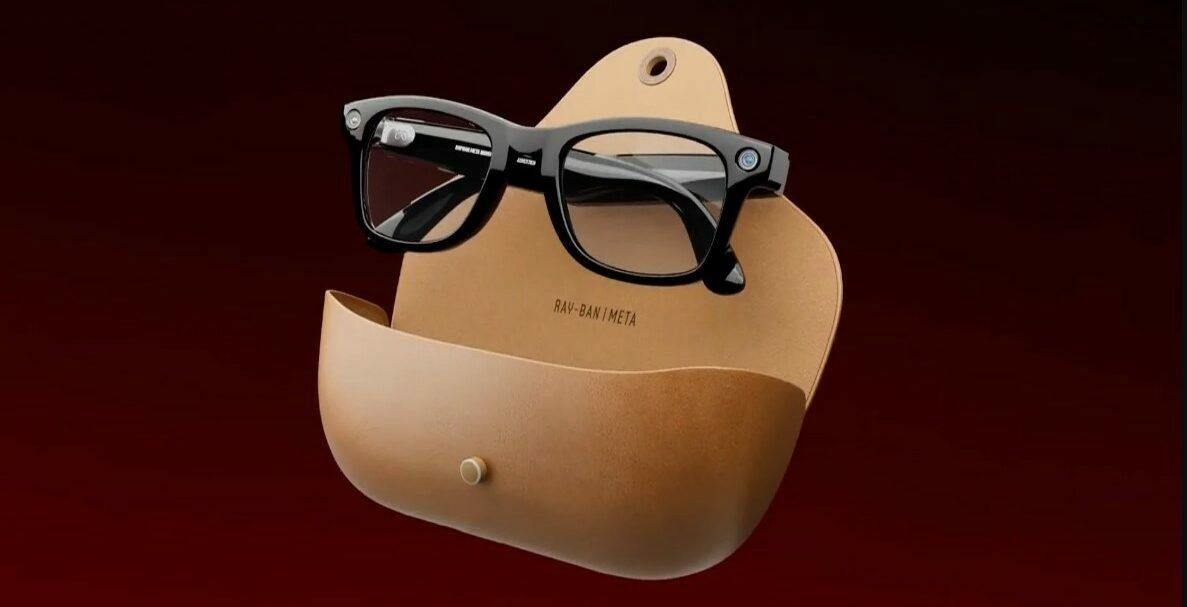
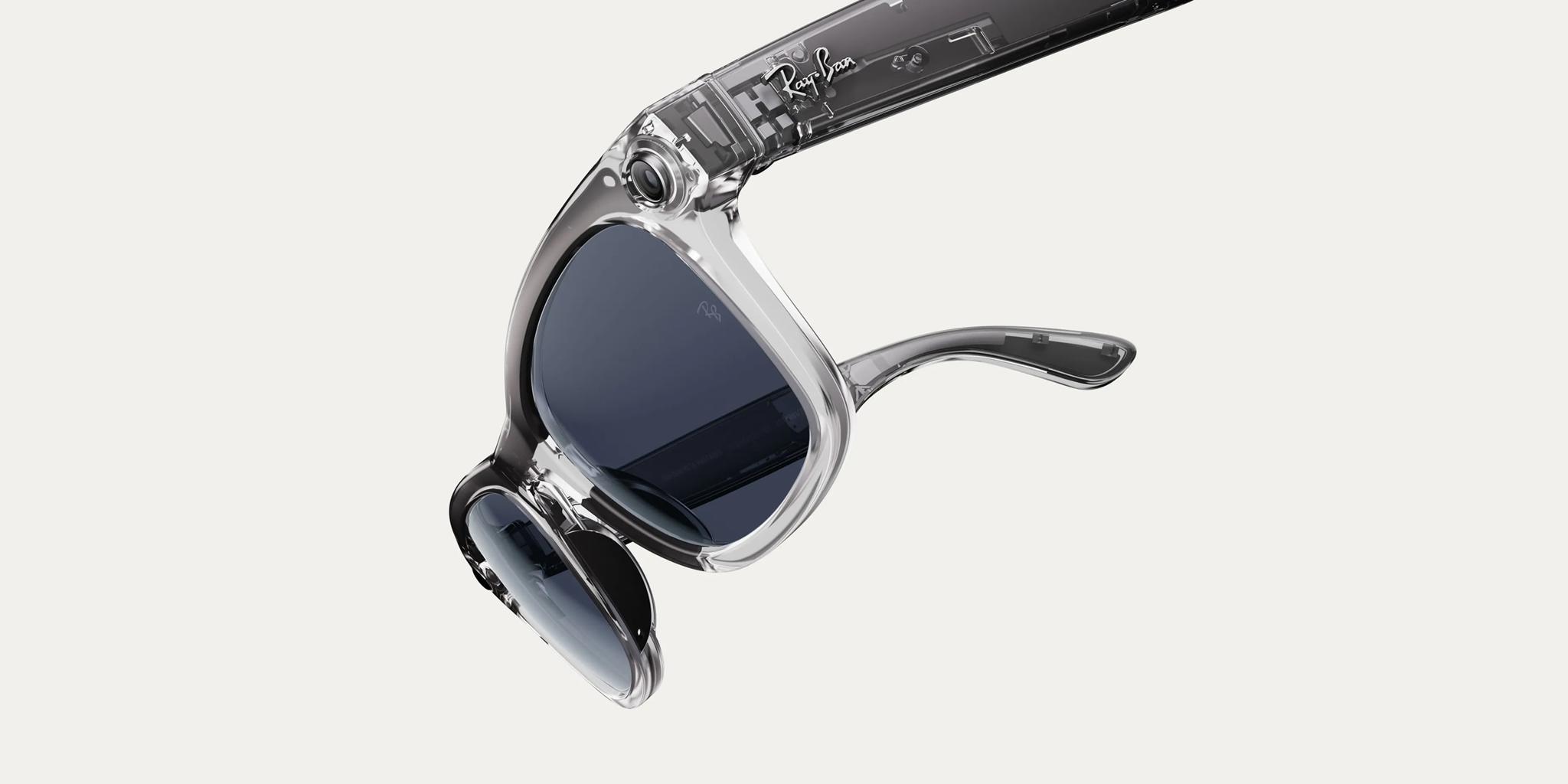
All four. Ray-Ban Meta, Oakley Meta, and Meta AI glasses have a camera, microphones, and speakers, with no screen. Ray-Ban Meta Display adds a display in the right lens. One toolkit from Meta covers the whole family, and we build for every model in it.
The glasses handle the moment: a capture, a question, a short answer, a glance. The phone holds anything you’d read at length, review, or come back to. Getting that split right is most of the design work, and it’s the first thing we prototype.
Yes, since before general availability. The DUMBO public art guide is built on it, and our Flutter plugin, flutter_meta_wearables_dat, is open source.
When I first experienced the Ray-Ban Meta glasses, it was a clear glimpse into the future of wearable technology. Its a significant advancement, and our team is eager to explore the new opportunities it presents for our clients.”
Director of Engineering • L+R
Ray-Ban Meta, Oakley Meta, And Meta AI Glasses
What an app can do on each model.
Take a photo or video hands-free, stream what the wearer is looking at, listen to a spoken request, and answer out loud. All of it goes through the Wearables Device Access Toolkit.
In sound: a spoken prompt, a short answer, a confirmation you can hear. The DUMBO public art guide works this way: look at a sculpture, and the glasses tell you about the artist. Short, confident interactions win here, and anything that needs sustained attention belongs on the phone.
Ray-Ban Meta Display
What the display changes.
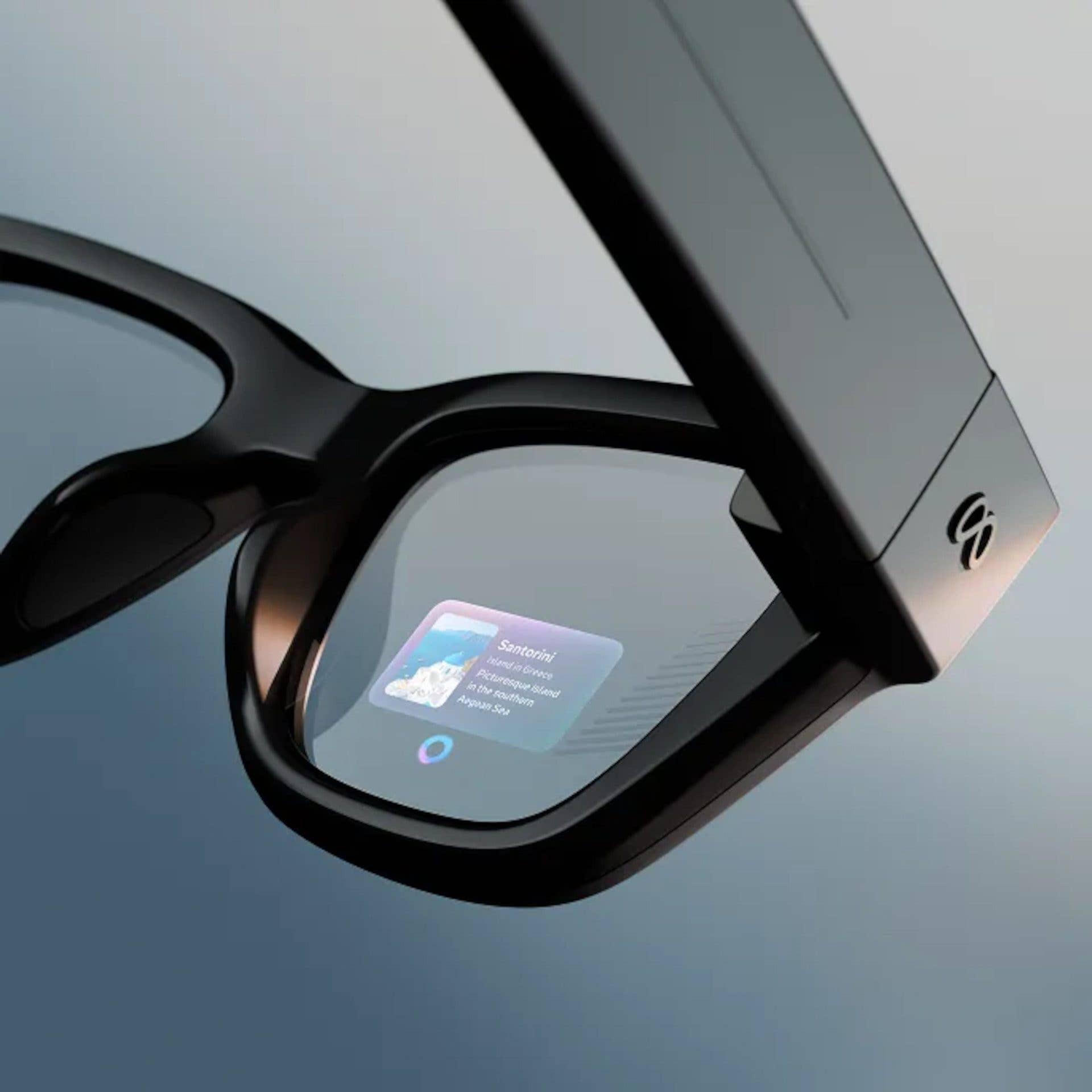
A small translucent display in the right lens, a first for this family. It sits over the world, and the design question becomes what’s worth interrupting the world for. Short, glanceable content works best. Cooking HUD moves through a recipe in 3 stages and keeps just the next step in view.
With the Meta Neural Band, a wristband that reads the small muscle signals of a pinch or a swipe, plus voice. You can move through an app in a quiet room without saying a word or reaching for your phone.
Yes. displayglasses.dev, our free browser simulator, loads any URL into a heads-up display over real-world scenes. It reproduces the additive waveguide blend, which is what decides contrast and legibility. Change its position, size, and brightness, swap the scene, record the result, or preview it on a phone or your own pair via QR code. Our own designers use it, and you can try your idea in it today.
Already Building in Flutter?
From a Flutter app, the glasses sit behind Meta’s native toolkit on iOS and Android. We bridged it once and published the result: flutter_meta_wearables_dat, MIT-licensed and free on pub.dev. It covers device registration, camera permissions, live video, and raw frames. We use it on our own builds.
Let’s See If Your Idea Works On The Glasses.
Apps We’ve Built For Meta Glasses






Our Latest On Meta Wearables



Hiring A Ray-Ban Meta App Development Partner
What working with us looks like.
We’ve been building on the glasses since the toolkit was closed to most developers, and we design and engineer on one team. Each build is tested on pairs from our own device library.
We start with a scoped prototype on the glasses. Your team gets something to wear and react to early, and the full build starts from what you learned.
A small group, since the platform opened to developers only recently. We’re one of them; our glasses work grew out of our wider wearable and spatial product work.
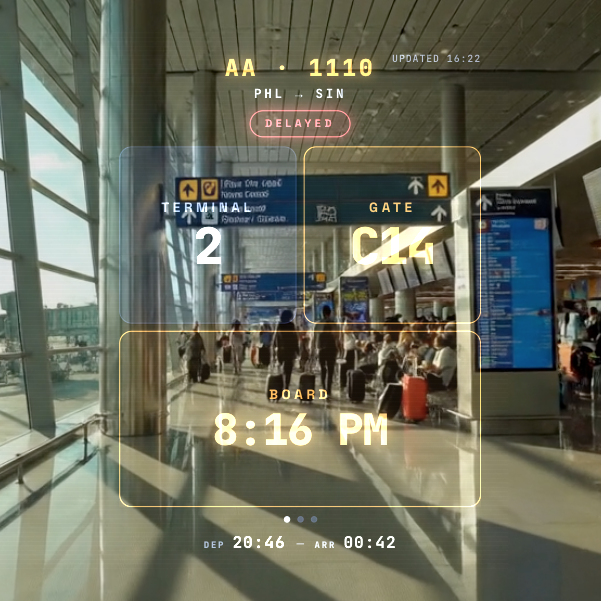
Small apps built for a glance or a hands-free moment: a pixel creature that grows if you look after it, a brushing coach that counts strokes through the glasses’ accelerometer, flight status at a glance, and a metronome. Brush Coach is a good one to start with, and each shipped app has its own case study in the work above. If you’re weighing up a project, tell us what you have in mind.